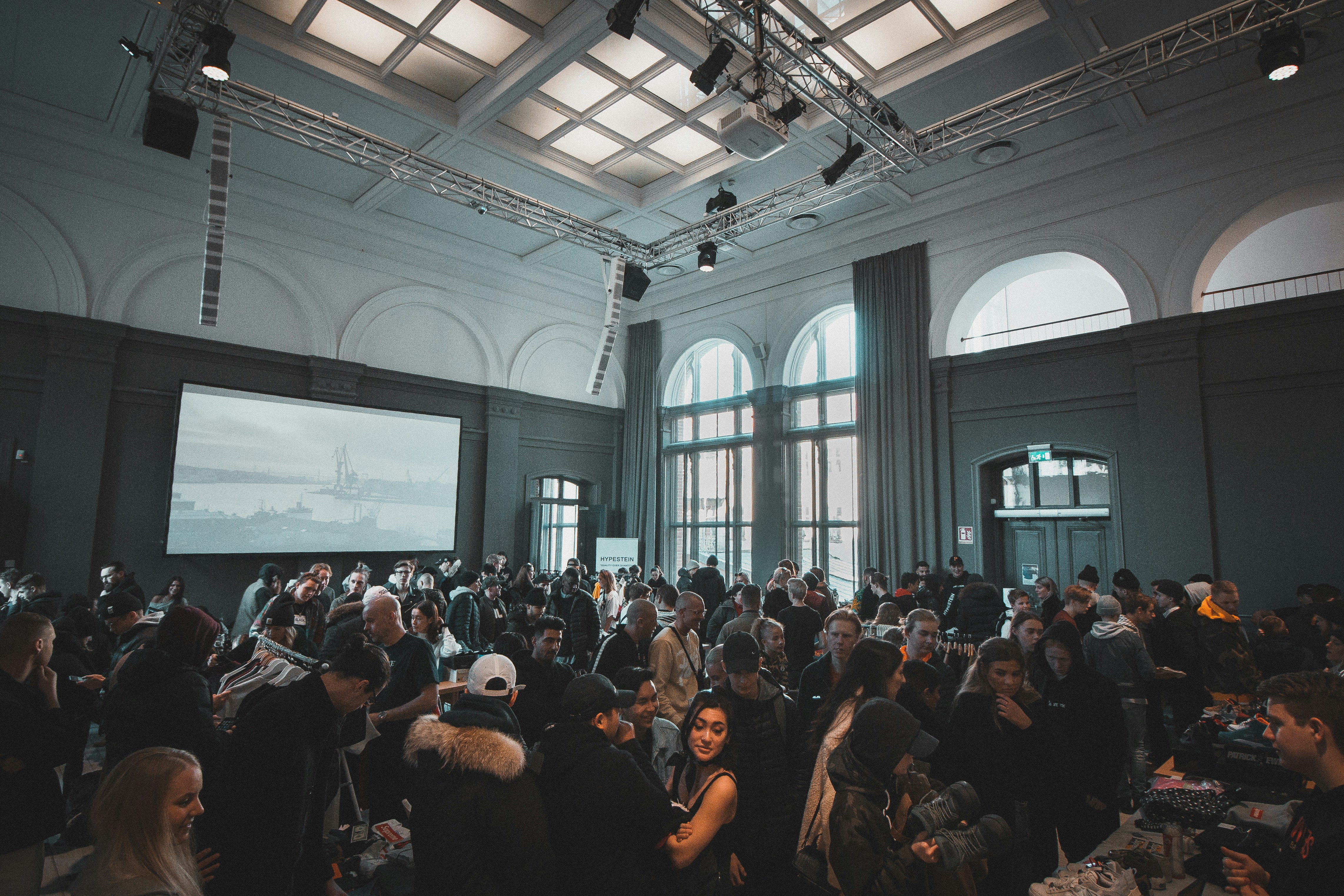
Whether you're hosting a concert, webinar, birthday party, or business event, your poster design can make or break your turnout. But what if you could create professional, scroll-stopping event posters, without spending hours on design software?
Welcome to the age of AI-powered design.
In this post, we'll walk you through how to use AIFlyer (or any AI tool) to design stunning event posters quickly and effortlessly even if you have zero design experience. These types of tools help you:
🧠 Generate high-quality poster designs in seconds
🎯 Customize designs for your brand, audience, and event type
🎨 Access templates tailored to social media, digital ads, or printing
📱 Create variations for Instagram, Facebook, WhatsApp, and more
Whether you're creating a flyer for a business seminar, a party, or a community event, AI makes the process fast, fun, and flexible.
Step-by-Step: How to Design an Event Poster Using AIFlyer
1. Define Your Event Details
Before designing your event flyer, get your basic info ready:
Event name (e.g., Bay Area Networking Brunch)
Date and time
Venue or location
Brief description or theme
Call-to-action (e.g., "RSVP Now", "Get Tickets")
Having these ready helps the AI generate an accurate, engaging poster.
2. Open AIFlyer and Start a Prompt
Go to AIFlyer.ai and simply type:
"Design a classy event poster for a wellness retreat in Malibu on July 6. Add soft colors and minimalist fonts."
Within seconds, you'll get a ready-to-edit flyer that matches your vibe.
3. Customize the Design Using Simple Prompts
Unlike traditional design tools, AIFlyer works like chatting with a designer. Want to make changes? Just type:
"Add palm trees in the background."
"Change the font to something more elegant."
"Make the date more prominent."
The AI will instantly update your design, no dragging, resizing, or confusing menus.
4. Export and Share Anywhere
Once you're happy with your event poster:
Export in multiple sizes (Instagram, story, PDF, WhatsApp)
Save print-ready versions if needed
Download or share instantly
Perfect for digital marketing, social media campaigns, or in-person events.
Tips to Make Your AI-Generated Poster Stand Out
✅ Use bold, easy-to-read fonts
✅ Keep it clean and uncluttered
✅ Add brand colors or your logo
✅ Highlight the CTA (e.g., "Register Now")
✅ Design different versions for different platforms
Examples of Graphic Designs You Can Create with AIFlyer
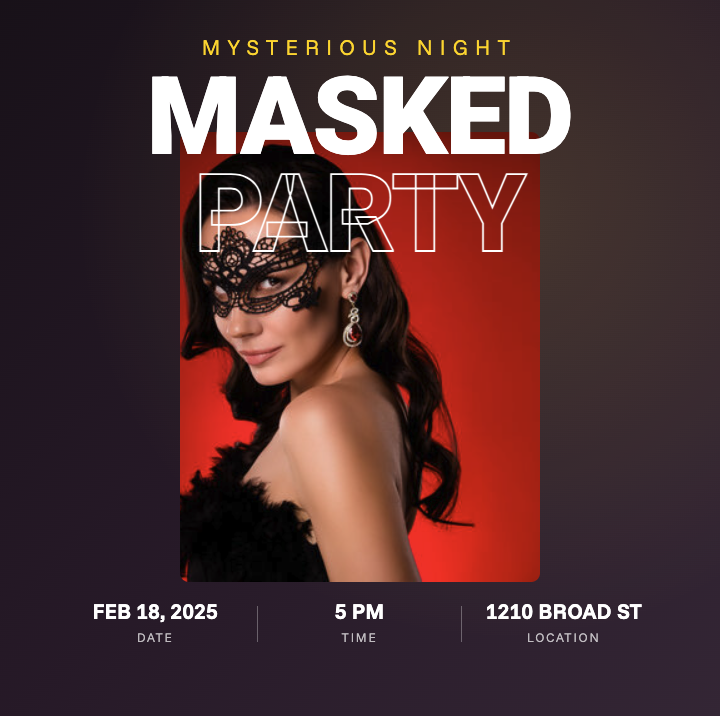


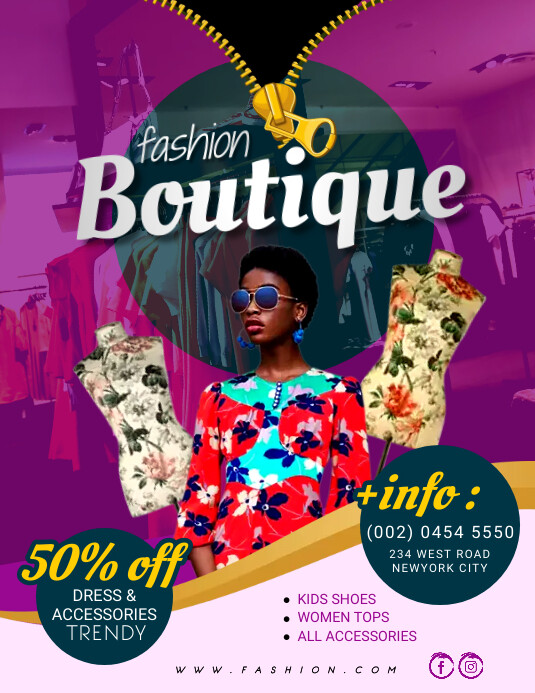
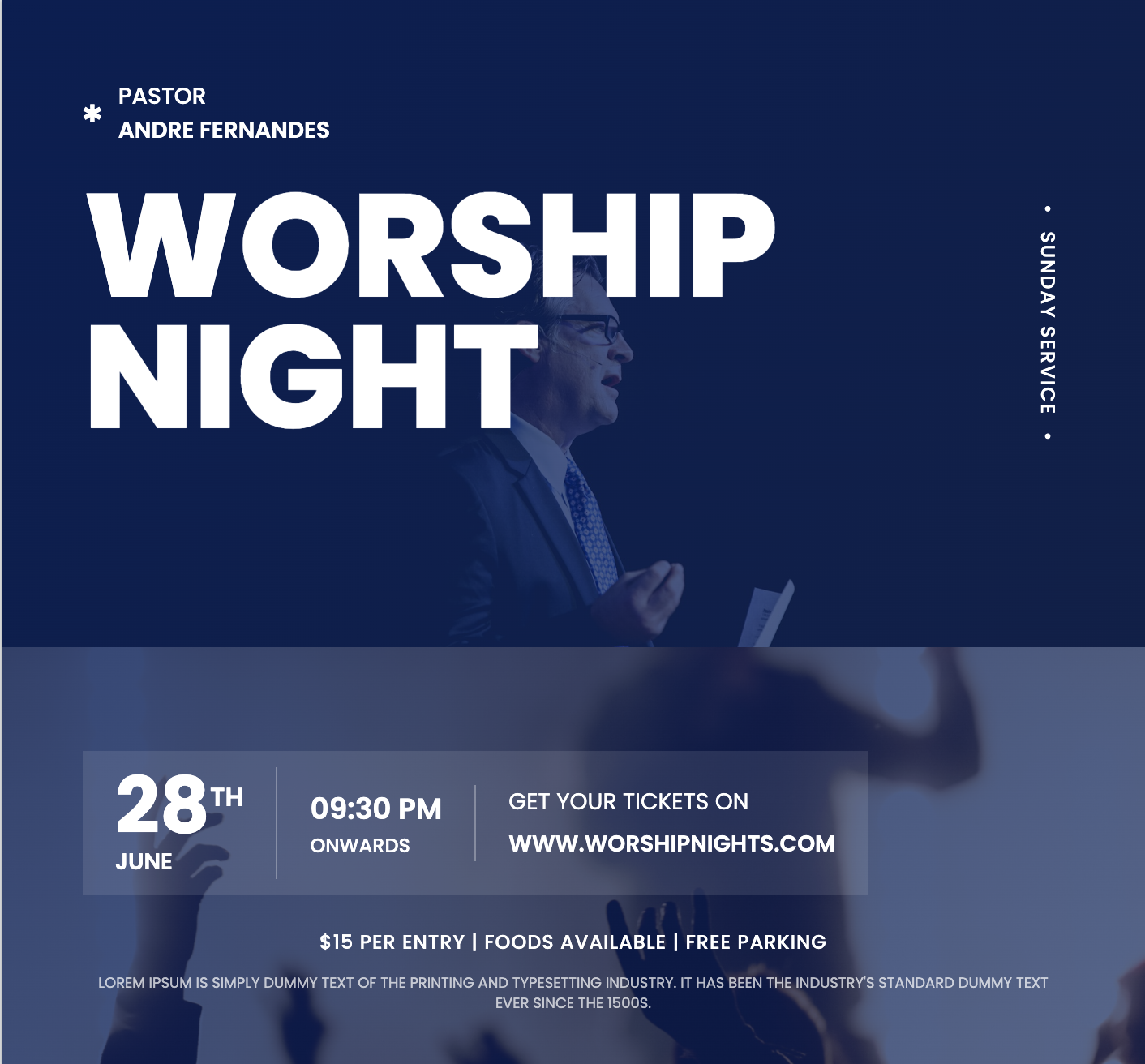
Final Thoughts: Why AIFlyer Is the Best Tool for Event Poster Design
If you're looking for a fast, smart way to design beautiful posters for your events, AI tools like AIFlyer are a game-changer.
With just a few prompts, you can skip hours of design work and create something that looks professionally made, without spending a dime on a designer.
Try AIFlyer Now
Create your first AI event flyer in seconds at AIFlyer.ai.
No skills. No stress. Just results.